Download Core Wallet
Get started buying, swapping, sending and receiving crypto or NFTs.
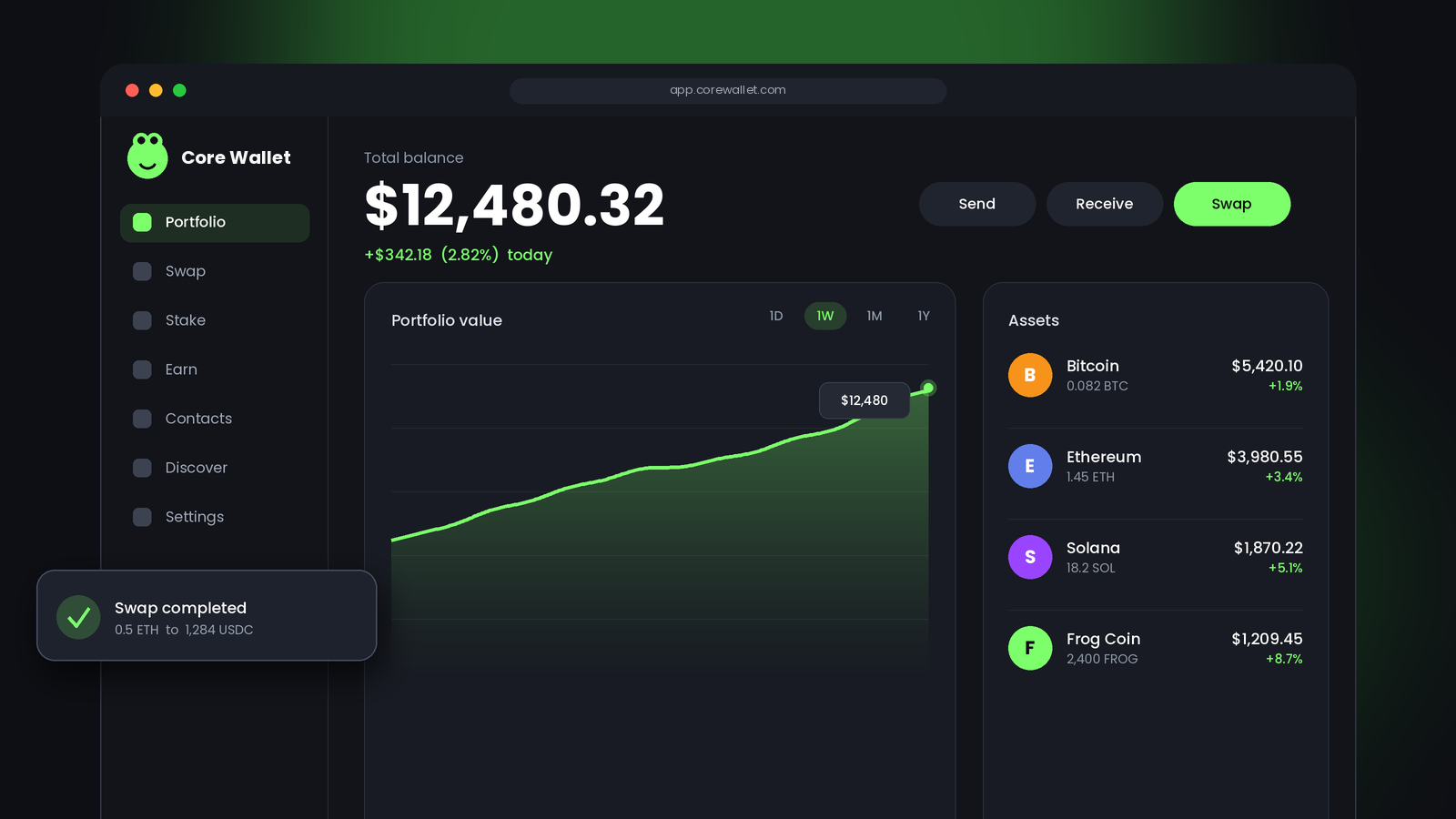
What Is the Core Wallet Extension?
The Core Wallet Extension is a browser-based cryptocurrency wallet that allows users to manage their digital assets and interact with blockchain applications directly from their web browser. It provides a convenient way to store, send, and receive supported cryptocurrencies while keeping users in control of their wallet and private keys. Instead of relying on a separate application for every transaction, users can access their wallet whenever they need it and connect with compatible decentralized applications. This makes managing digital assets easier for both beginners and experienced crypto users.
Another important feature of the Core Wallet Extension is its focus on security and convenience. Users can review transaction details, manage their assets, and connect to supported blockchain networks through a simple interface. It is particularly useful for people who participate in decentralized finance (DeFi), explore Web3 platforms, or use blockchain-based applications. However, users should always download the extension from an official source, protect their recovery phrase, and verify transaction details before approving any activity to keep their digital assets safe.
Core launched in June 2022 as a browser extension. It's now part of a small family of apps that share the same wallet:
- Core extension: the Chrome add on this article is about. It's where you create the wallet, approve transactions and connect to dApps on desktop.
- Core web (core.app): a web dashboard for your portfolio, staking and buying crypto. You connect it to your wallet, most often through the extension.
- Core mobile: the Android and iPhone app, which connects to dApps through WalletConnect.
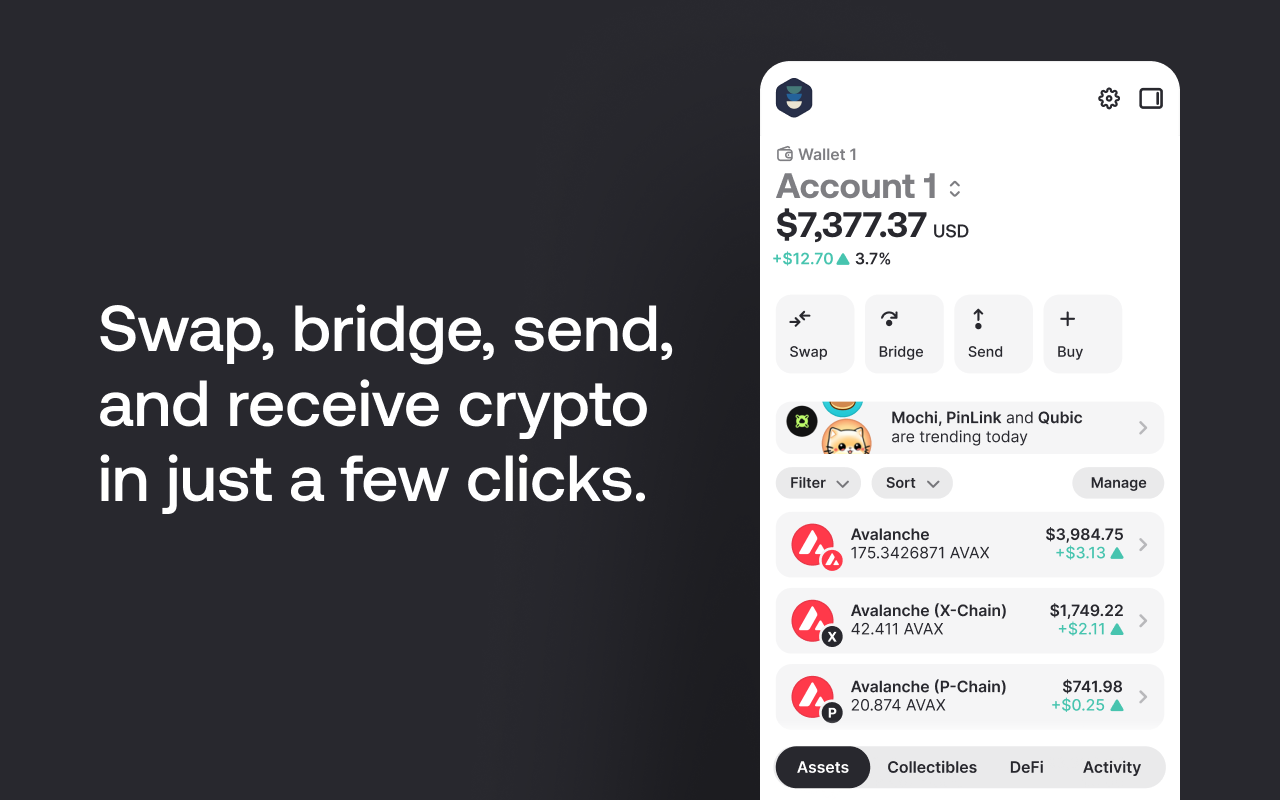
How to Install the Core Wallet Extension on Chrome
Setup takes about five minutes. Have a pen and paper ready before you start.
- Open the Chrome Web Store and search for "Core Wallet". Check that the publisher shows as Ava Labs, Inc. before you click anything. You can also reach the official listing from core.app.
- Click Add to Chrome, then confirm. Click the puzzle icon in the toolbar and pin Core so it's always one click away.
- Click the Core icon. You'll be asked to create a new wallet or access an existing one.
- To create a wallet manually, choose the manual option. Core shows your recovery phrase on screen. Write every word down, in order, on paper.
- Confirm that you understand losing the phrase can mean losing your funds. Then verify the phrase by picking the words Core asks for.
- Give the wallet a name and set a strong password. This password opens the extension on this computer only; it can't restore your wallet elsewhere.
- Choose whether to share analytics, pick a theme, and you're in. Core will usually open core.app with the extension already connected.
Once you're done, send a small test amount to your new address before moving anything larger.
Using Core Wallet on Android and iPhone
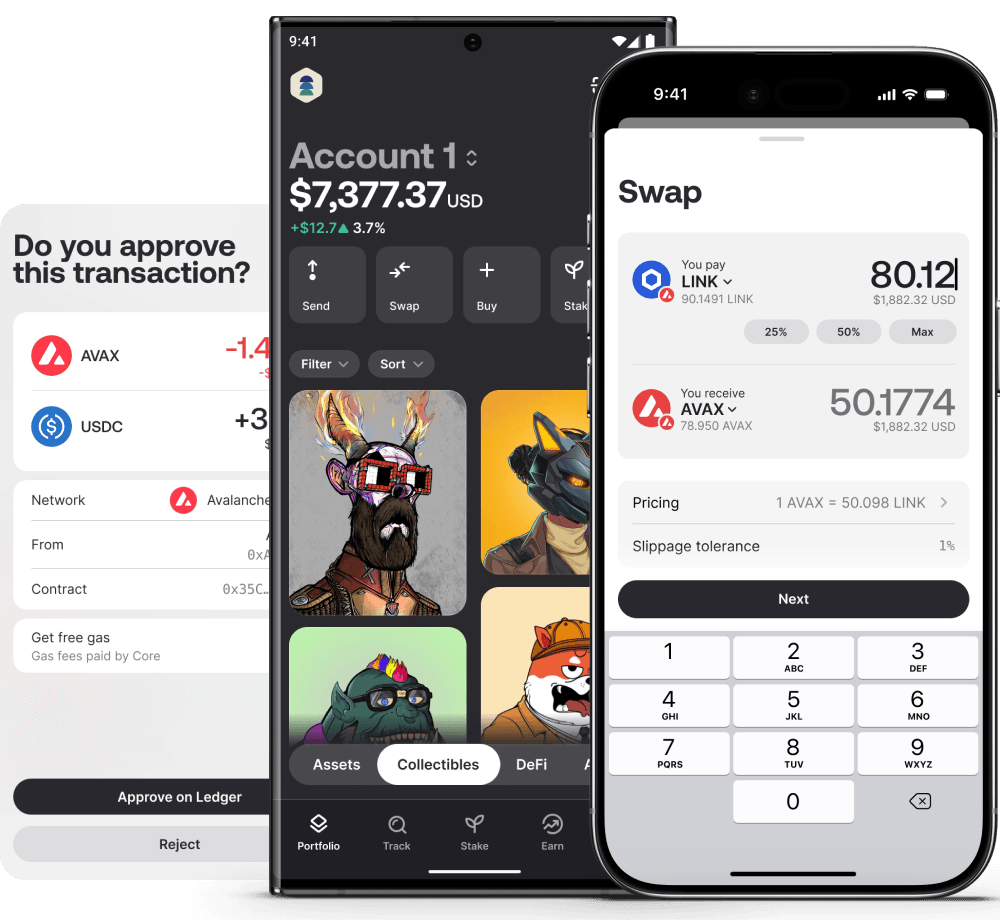
There's no browser extension on phones. Instead, Ava Labs offers Core mobile, a separate app for Android and iOS. It shares the main features: swaps, bridging, staking, an address book and an in app browser. One difference to know: Core mobile isn't an injected wallet, so it connects to dApps through WalletConnect, usually by scanning a QR code.
- Download Core by Ava Labs from the Google Play Store or Apple App Store. Check the developer name before installing.
- Open the app and choose how to start: continue with Google or Apple, or create a wallet manually with a recovery phrase.
- If you go manual, tap Access existing wallet, then Create a new wallet. Copy the seed phrase and store it somewhere safe and offline.
- Set a PIN and, if you like, turn on Face ID or fingerprint login.
- Name your wallet and pick an avatar. To bring over your extension wallet instead, choose the option to access an existing wallet and enter the same recovery phrase.
Using the same recovery phrase on both is how you keep one wallet across desktop and phone. Just remember that every device holding that phrase is another place it could leak from.
Frequently Asked Questions
Is the Core Wallet Extension free?
Yes, the Core extension is free to download and use. You'll still pay network fees on some transactions, although Core covers most C Chain gas fees for eligible transactions. Third party services like swaps or card purchases can carry their own fees, so check the quote before you confirm.
Is Core Wallet custodial or non custodial?
Core is a non custodial wallet, according to Ava Labs. If you create your wallet with a recovery phrase, only you hold the keys, and nobody at Ava Labs can restore access if you lose that phrase. Keep it offline and private.
Which browsers support the Core Wallet Extension?
Chrome is the only browser Ava Labs officially supports for the Core extension. You get it from the Chrome Web Store, where the publisher is listed as Ava Labs, Inc. Other Chromium browsers sit outside official support.
Can I import my MetaMask wallet into Core?
Yes, you can import a MetaMask wallet into Core using its recovery phrase. Choose Access existing wallet, enter the phrase, then pick the right derivation path. Core accepts 12, 18 and 24 word phrases from EVM wallets.
Does Core Wallet support Bitcoin and Ethereum?
Yes, Core supports Bitcoin and Ethereum alongside Avalanche. You can also bridge native BTC into BTC.b to use it in Avalanche DeFi apps. Always double check the network before sending, since sending on the wrong chain is a common and costly mistake.
Does Core really have no gas fees?
Core covers most C Chain gas fees, but not all of them. Eligible transactions show a toggle on the approval screen to set the fee to zero, while others still need AVAX for gas depending on type and amount. Keep a small AVAX balance just in case.
Can I stake AVAX with the Core extension?
Yes, you can stake AVAX by connecting the Core extension to Core web and opening the Stake section. Core supports both delegating to a validator and running your own validator. Read the staking duration and terms on screen before you confirm, because your AVAX stays committed for the period you choose.
Does Core Wallet work with Ledger?
Yes, Core works with Ledger and also with Keystone hardware wallets. You can create a new Core wallet with a Ledger or add one to an existing wallet. If your AVAX doesn't appear after connecting, the help center suggests reconnecting with the BIP44 derivation path.
Is there a Core Wallet app for phones?
Yes, Core mobile is available for Android on Google Play and for iPhone on the App Store. It isn't the same as the browser extension, because it connects to dApps through WalletConnect. You can use the same recovery phrase to access one wallet on both.